WC3
WC3



A forgotten night elf civilization that inhabits the Forests of Nadrex, is threatened by the presence of a dark force called the Necron. Full of undead warriors, they fight with the defenders of the forests in order to conquer their land and use its mystical energy for their own purpose.
Side either with the forces of Nature and defend the land, or with the dire forces of Necron to control it. The heroes are ready to fight till the very end.
A completely new and different approach to the AoS / Moba genre in Warcraft 3. Easy to learn and full of unique features!
It is designed for patch 1.26 mostly!
It is designed for patch 1.26 mostly!
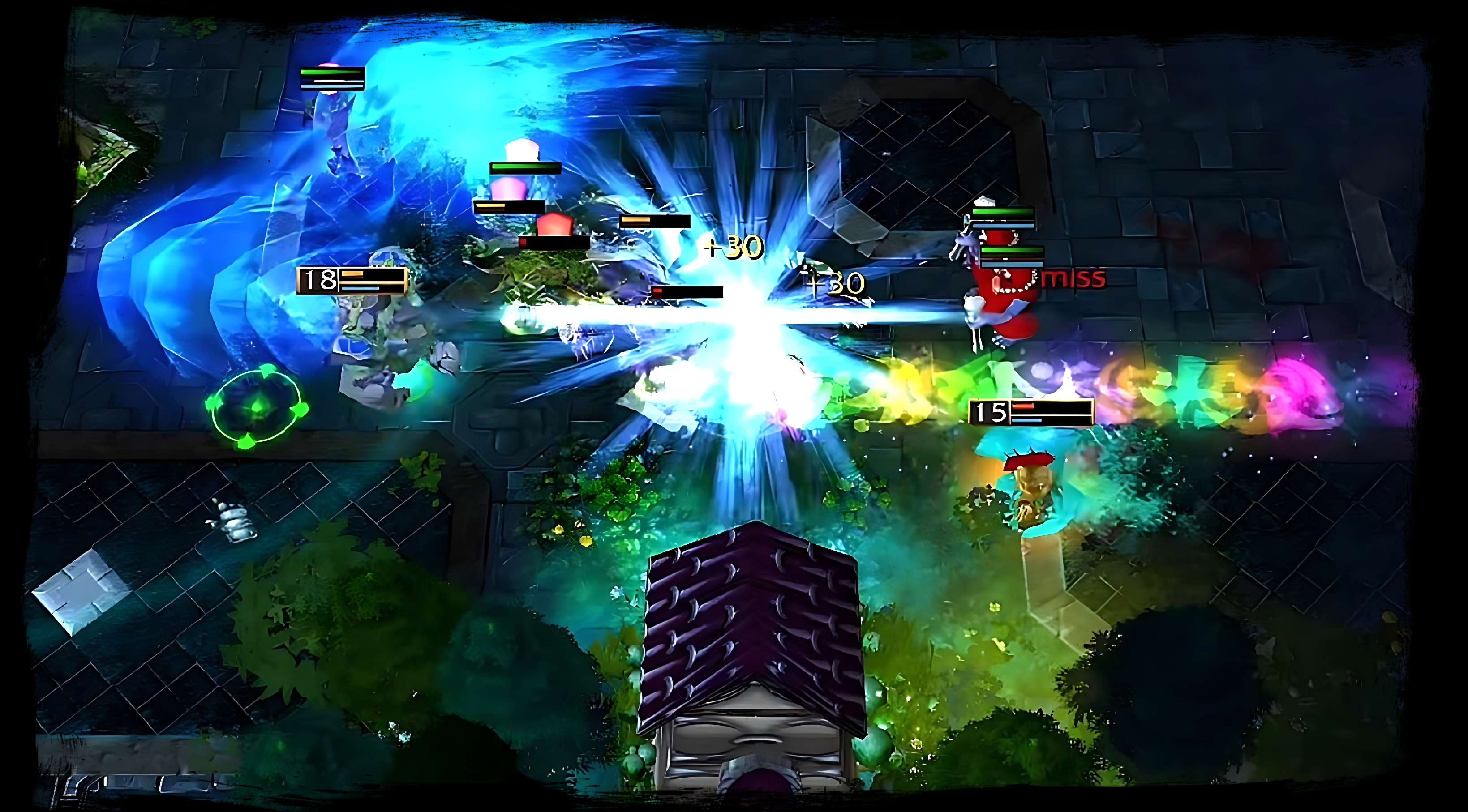
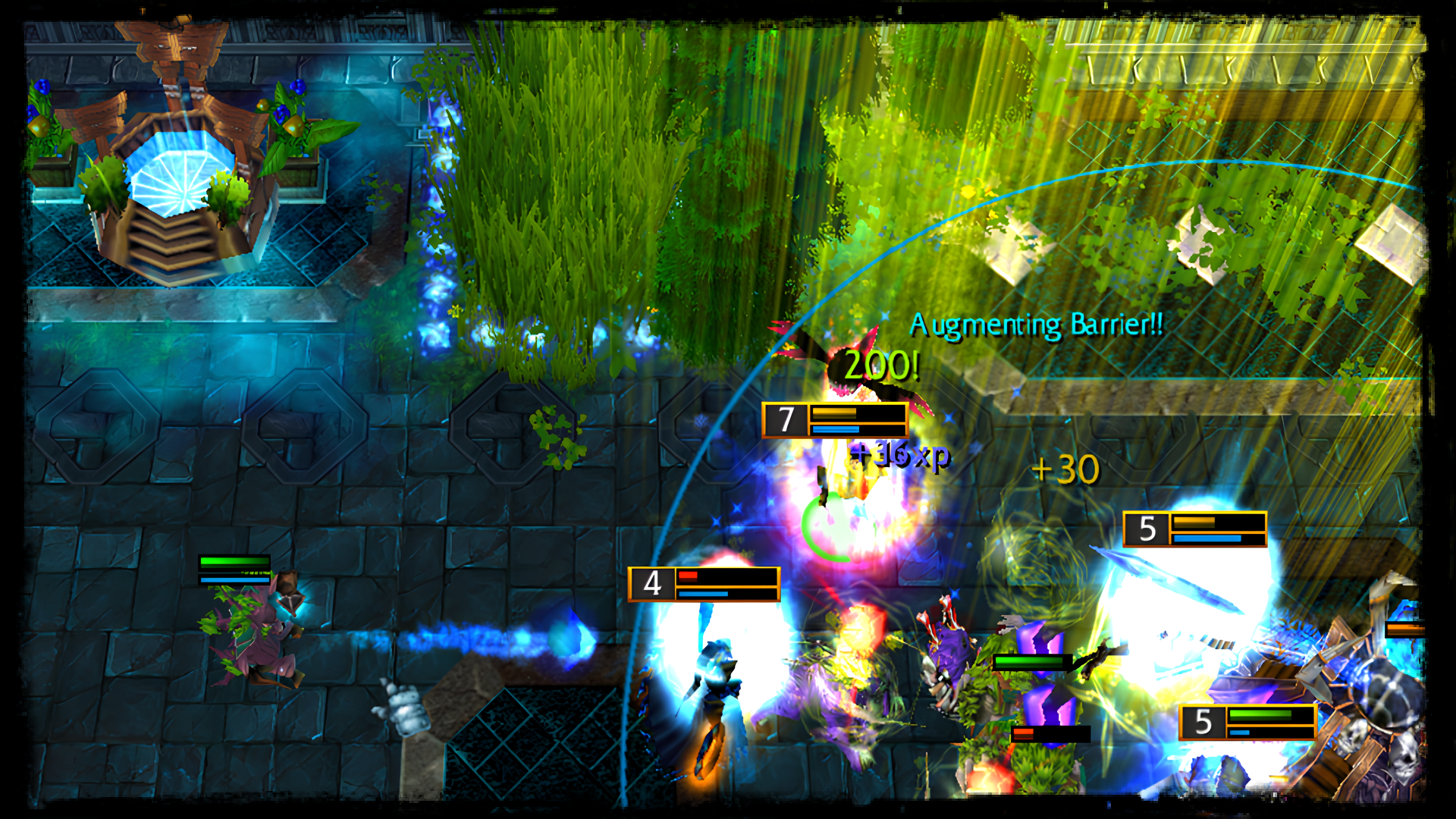
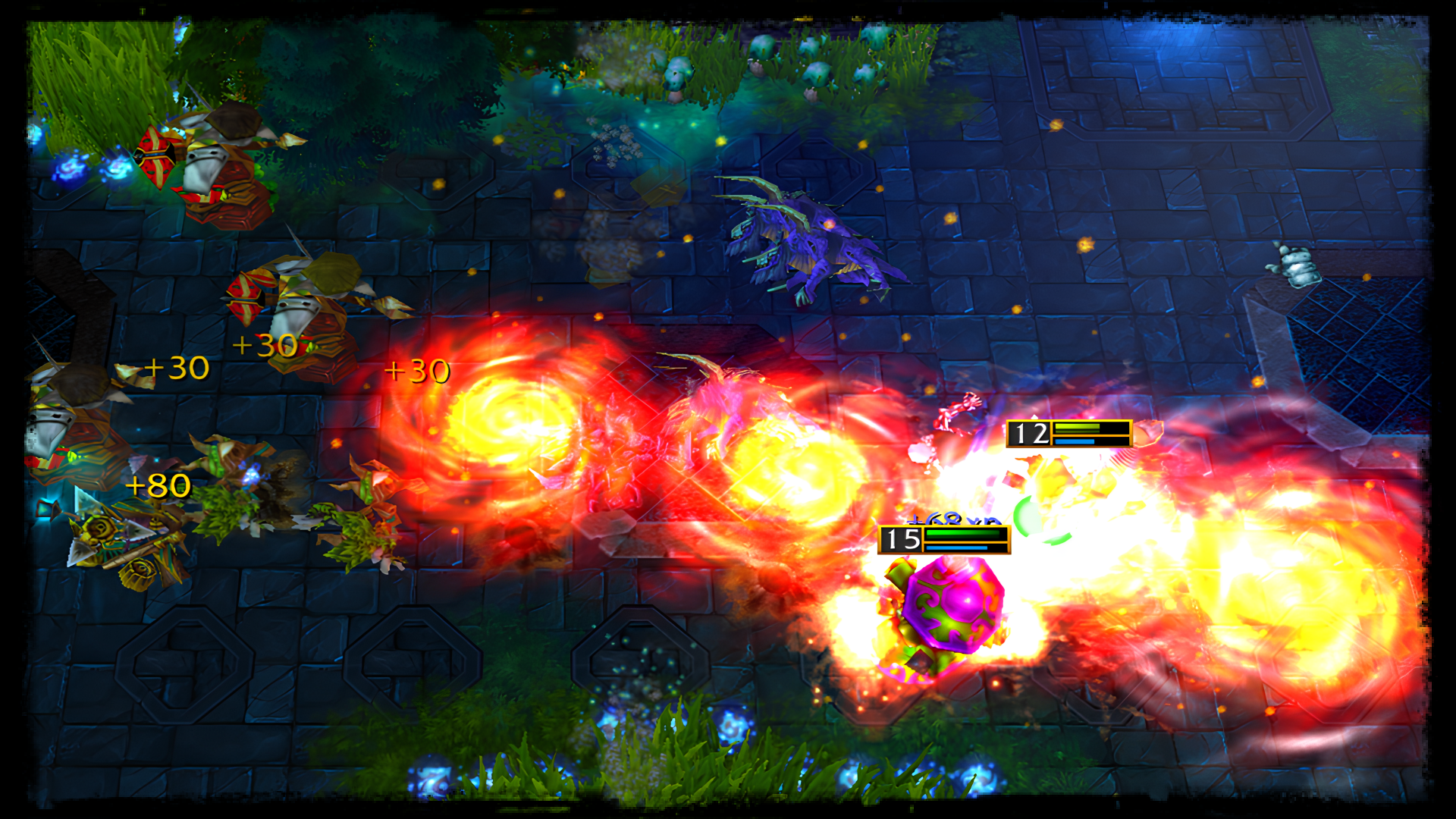
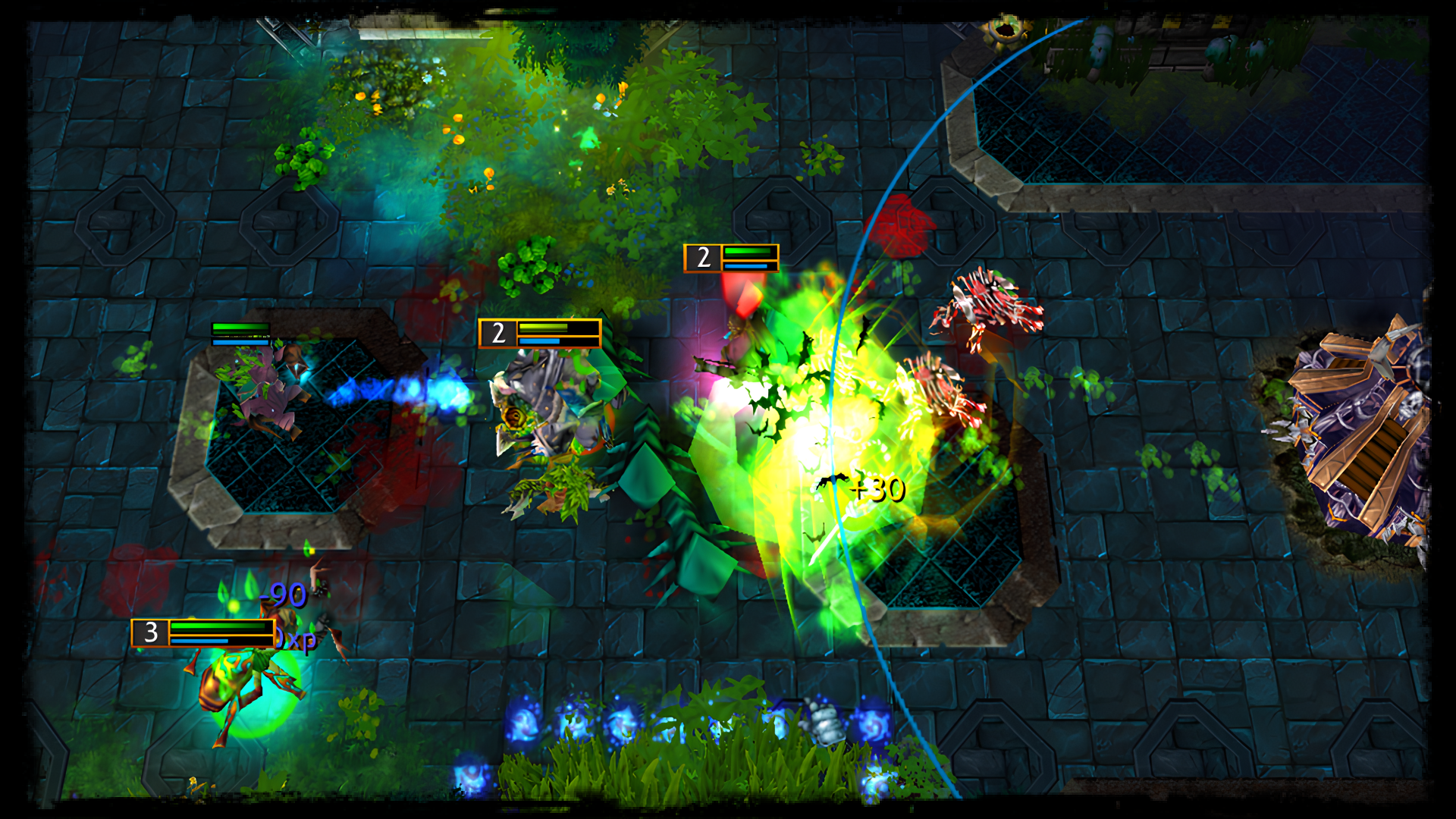
Two factions are constantly spawning their warriors (called creeps), in order to push into the enemy base and kill their principal structure. Each player will have control over 1 hero for the entire match. Kill enemy creeps to gain gold, get items to empower your hero, gain experience to unlock the full potential of your hero and fight against the enemy.
Latest update, v2.24:
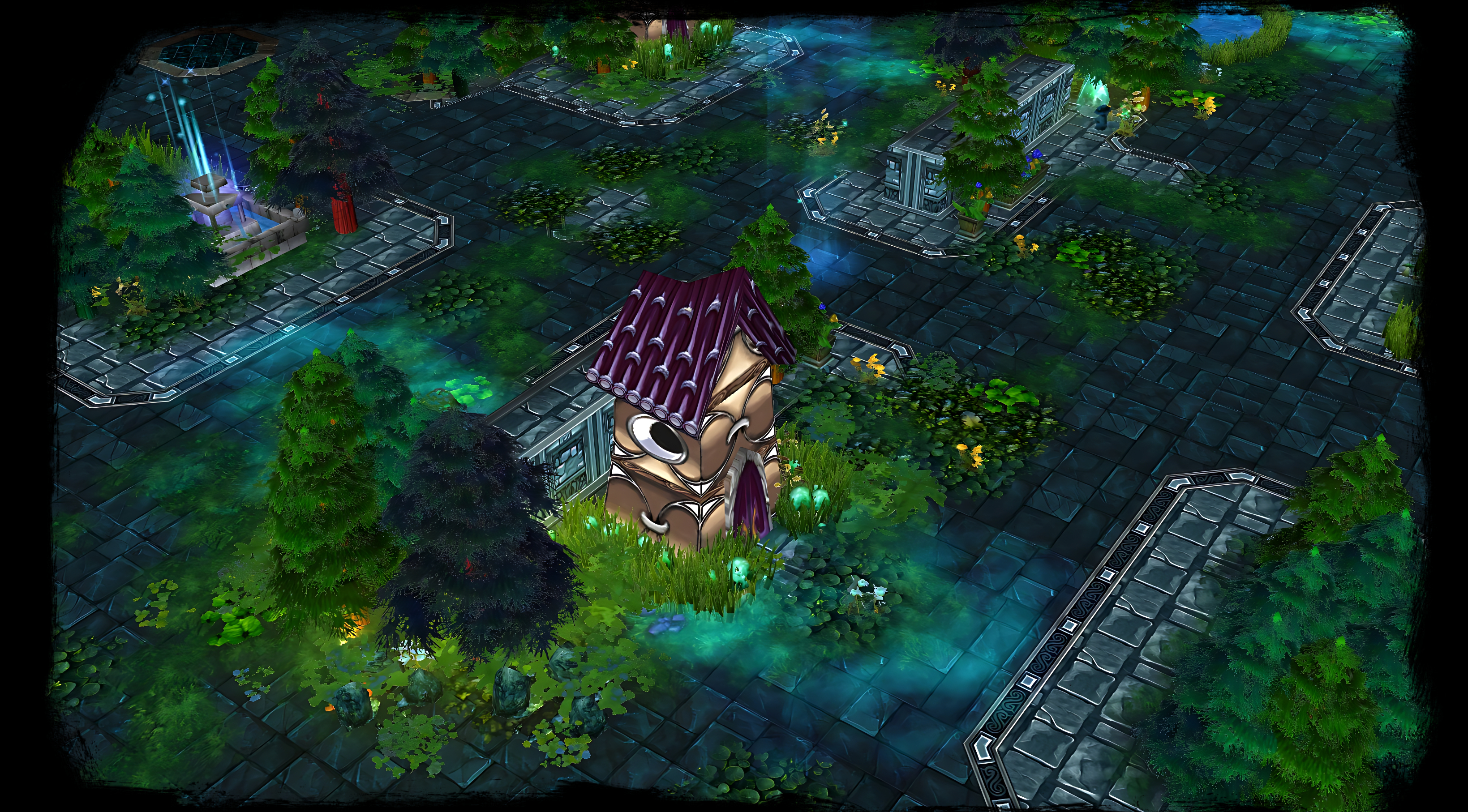
-the stationary terrain radiuses of the Defensive Towers have been removed; now whenever a Tower; Crystal Pylon or Ancient attacks an enemy, a visual ring will be displayed matching the attack range of the respective structure;
-updated the attack type tooltip of Siege Creeps, mentioning the 15% bonus damage dealt to Towers and Ancients;
-fixed a bug related to the Fountain of Health not applying the regeneration during respawn or while in the middle of the hero bases;
-Slicser's Swarm Nest has a cooldown of 20 seconds now instead of 13;
-rescaled the attack radius of all Defensive Towers to 675;
-rescaled the attack radius of Tree of Life and Necropolis to 675; now they also apply the armor reduction to enemies and boost to allies as the Defensive Towers do;
-fixed Revitalizer Shard (item) recipe description related to Warrior Gem place switch to Ivory Tower instead of Advanced Artifacts;
-the stationary terrain radiuses of the Defensive Towers have been removed; now whenever a Tower; Crystal Pylon or Ancient attacks an enemy, a visual ring will be displayed matching the attack range of the respective structure;
-updated the attack type tooltip of Siege Creeps, mentioning the 15% bonus damage dealt to Towers and Ancients;
-fixed a bug related to the Fountain of Health not applying the regeneration during respawn or while in the middle of the hero bases;
-Slicser's Swarm Nest has a cooldown of 20 seconds now instead of 13;
-rescaled the attack radius of all Defensive Towers to 675;
-rescaled the attack radius of Tree of Life and Necropolis to 675; now they also apply the armor reduction to enemies and boost to allies as the Defensive Towers do;
-fixed Revitalizer Shard (item) recipe description related to Warrior Gem place switch to Ivory Tower instead of Advanced Artifacts;
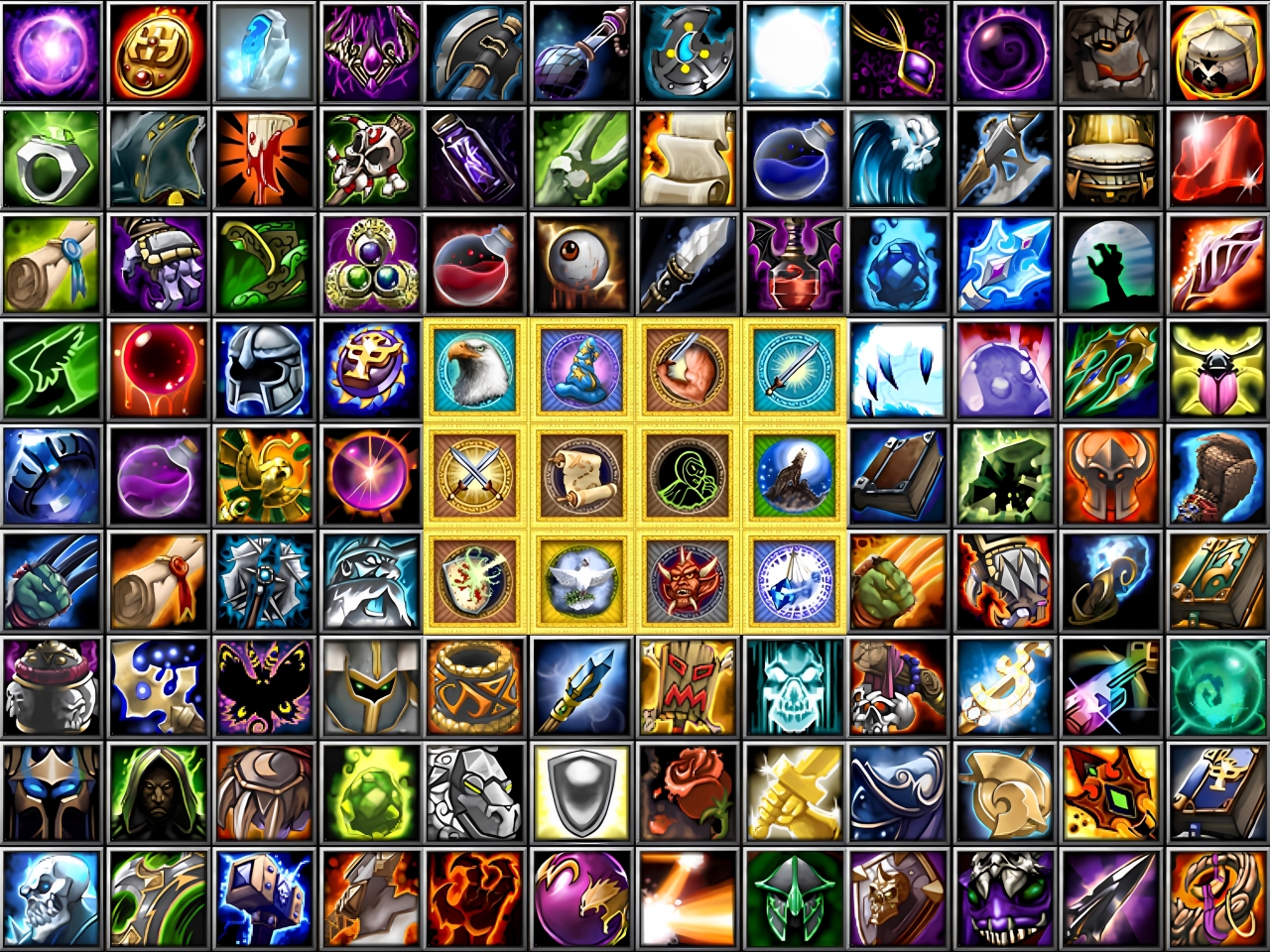
Nadrex Items
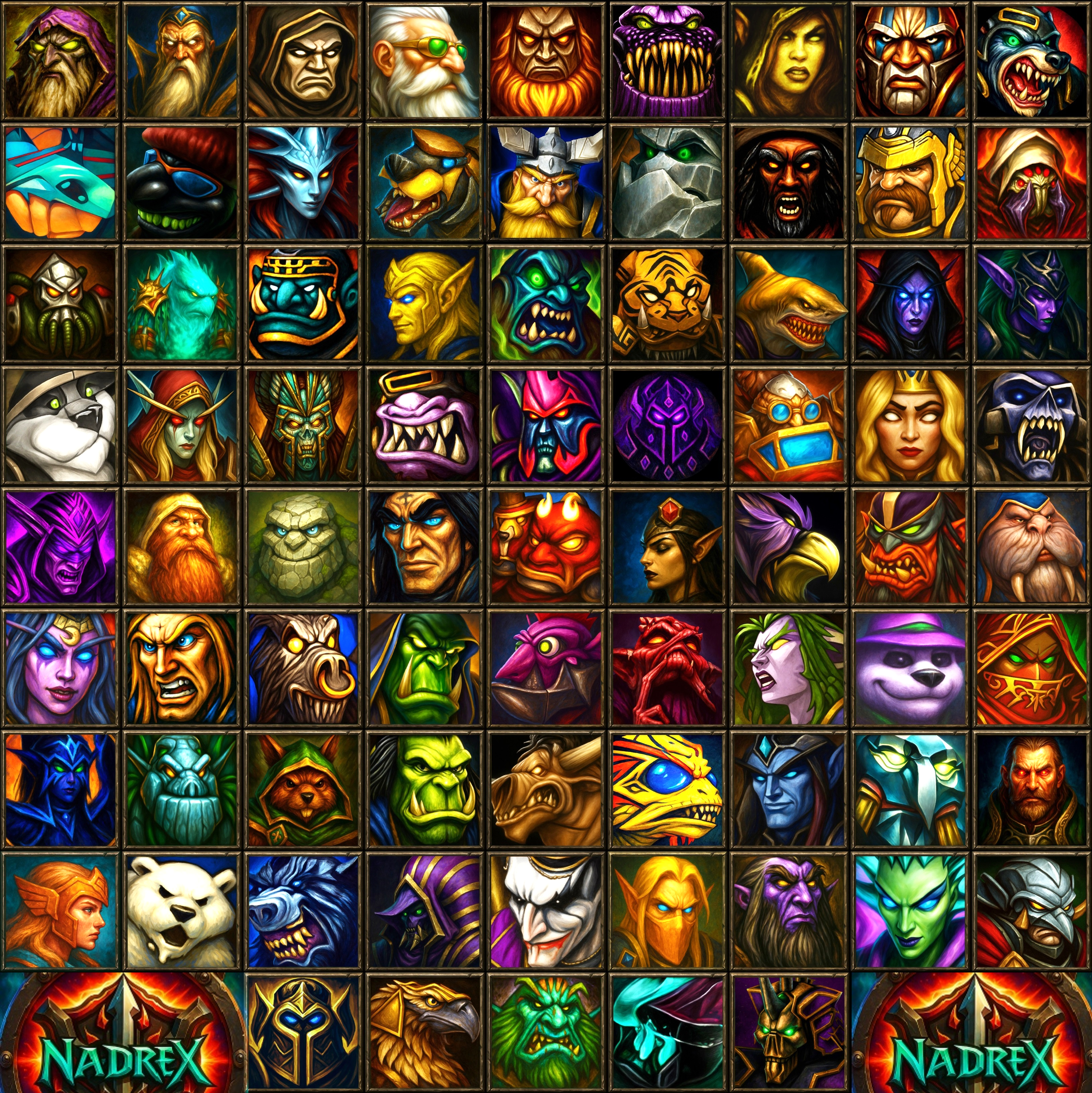
Nadrex Heroes
Media